
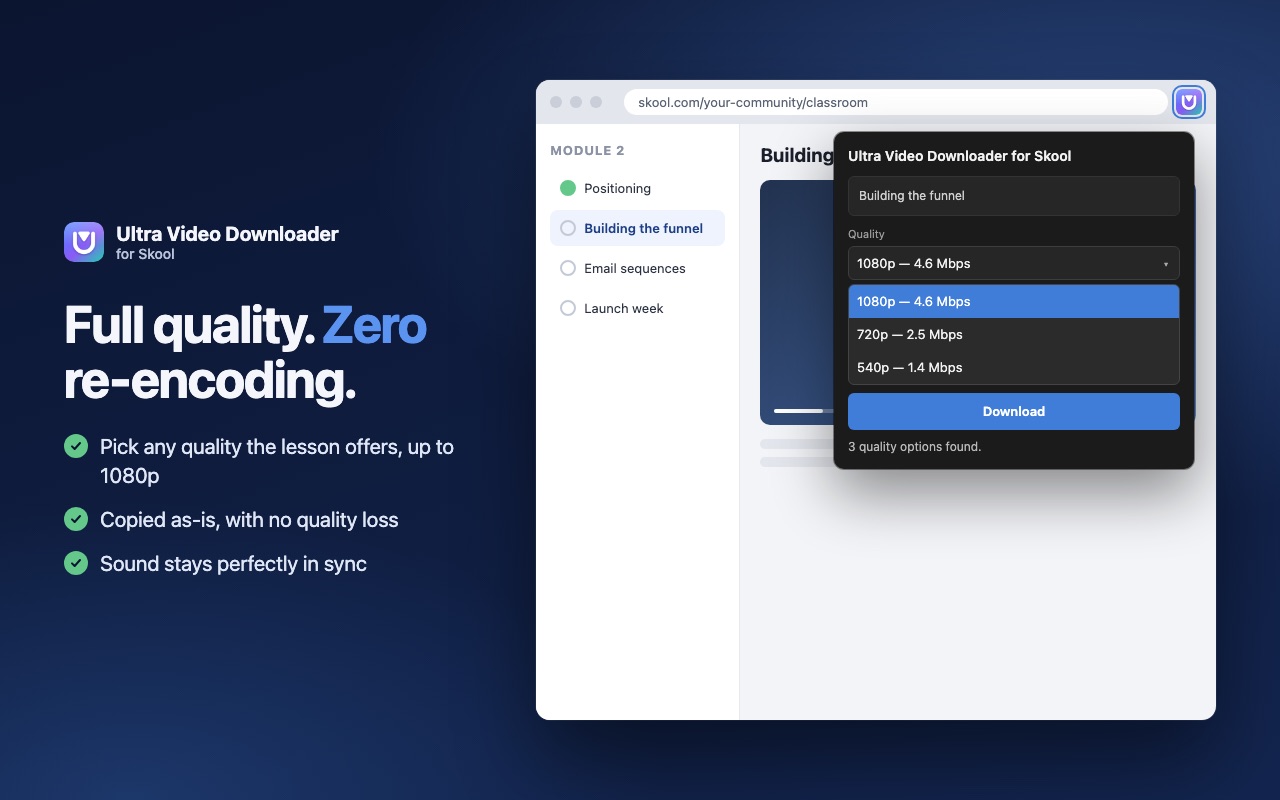
Full quality, up to 1080p
Pick any quality the lesson offers. The video is copied exactly as Skool streams it, never re-encoded, so there's zero quality loss.
Save the Skool classroom lessons you already have access to, in full 1080p quality, with one click. Watch them offline on any device, anytime, even after your membership ends.
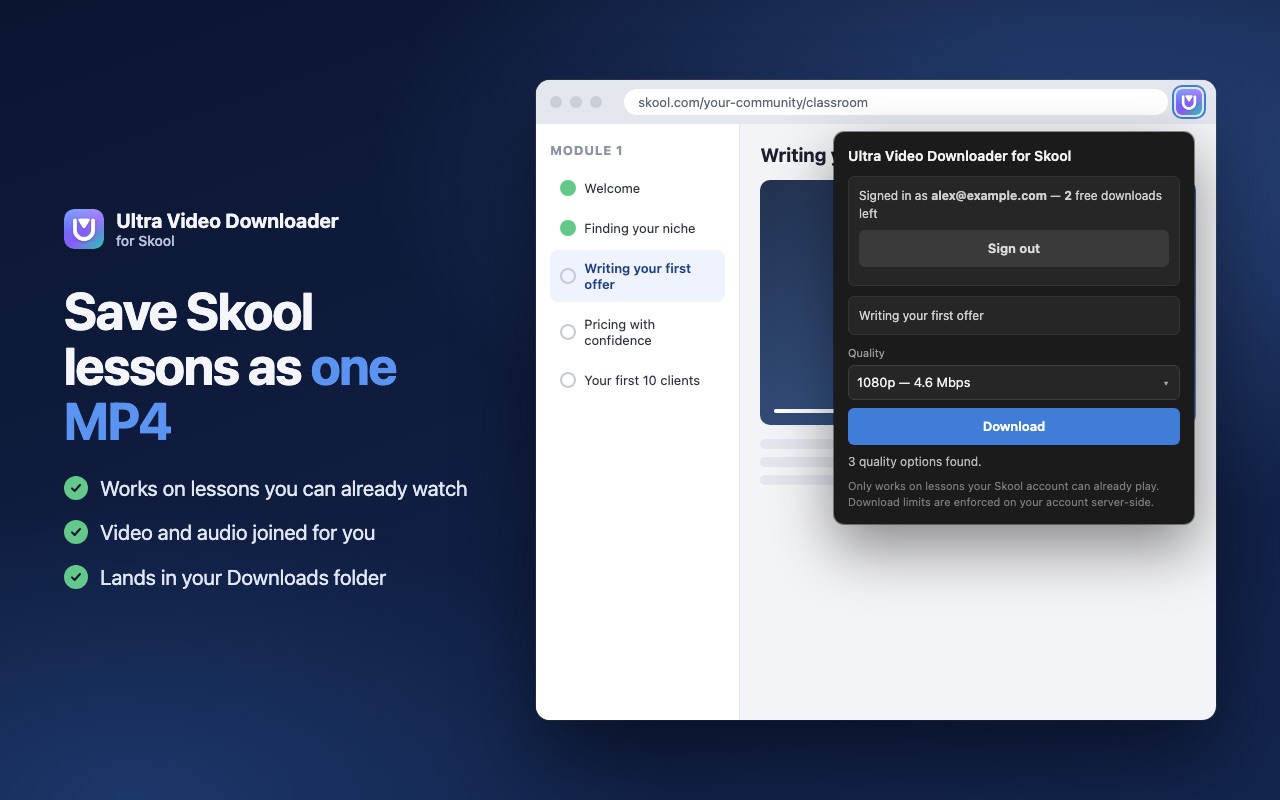
One extension, one click, one finished file. Built only for Skool, so it does that one job really well.
Pick any quality the lesson offers. The video is copied exactly as Skool streams it, never re-encoded, so there's zero quality loss.
Video and sound are joined right in your browser. No second audio file, no extra software.
Click through a course and save lesson after lesson. Each download is the lesson on your screen.
Videos go straight from Skool to your computer and never touch our servers.
Six parts of the video download at the same time, then the file saves itself to Downloads.
No setup and no settings. If you can press play, you can save it.
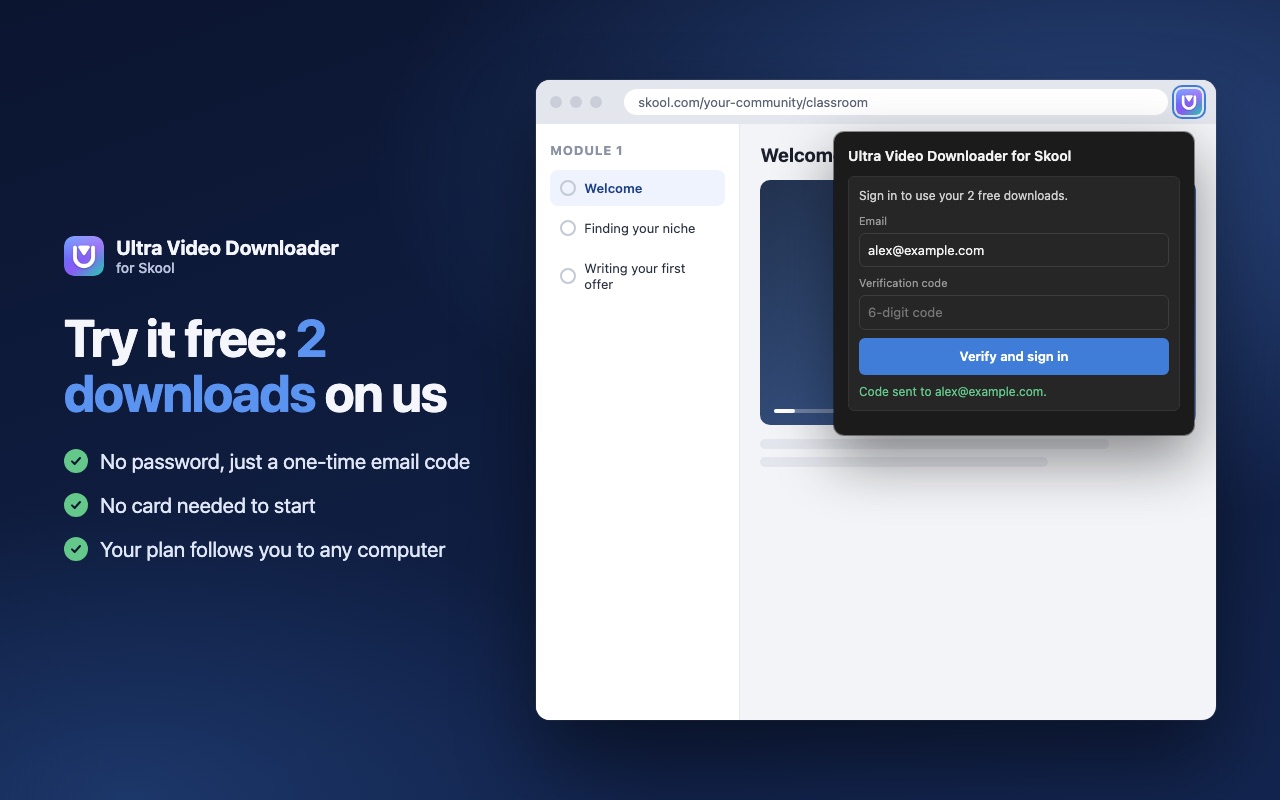
Install the extension, enter your email and type the 6-digit code we send. Your 2 free downloads are ready.
Go to any lesson in a Skool classroom you're a member of, click the extension icon and choose the quality.
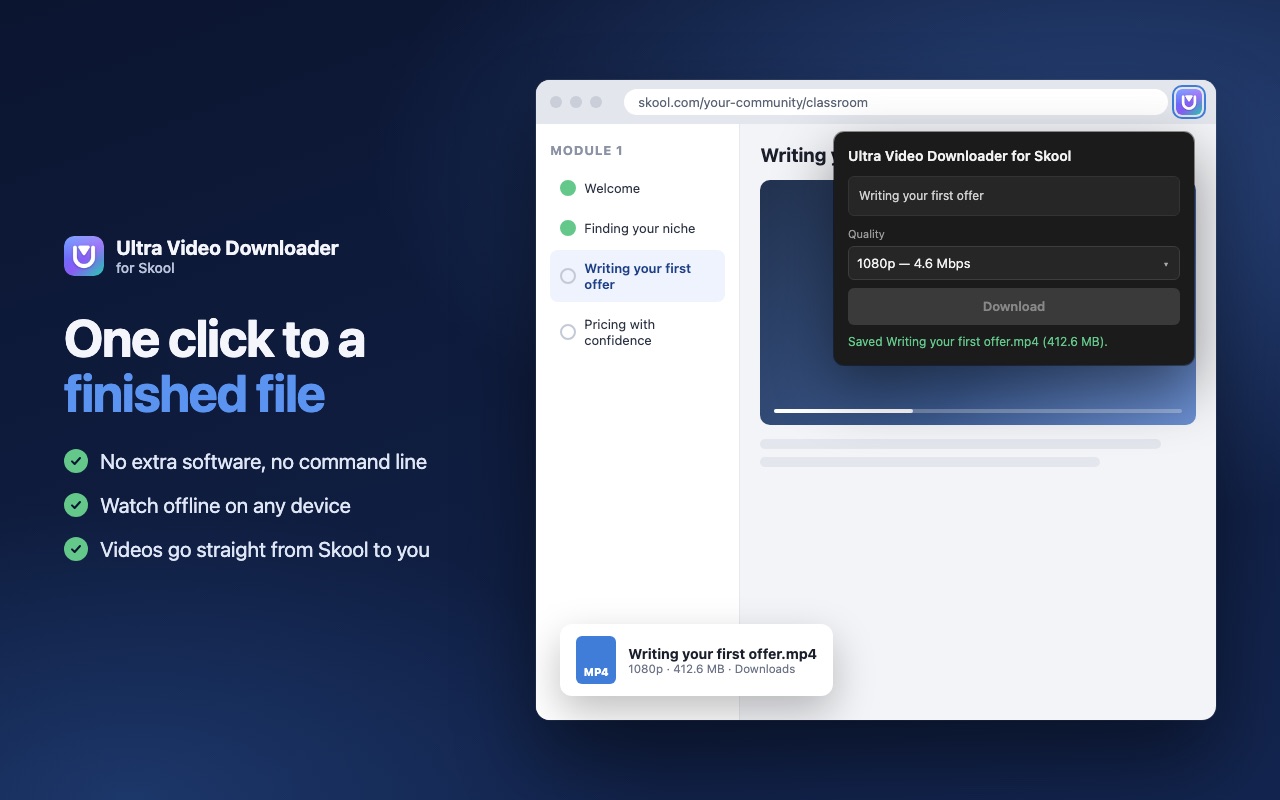
A moment later the finished MP4 is in your Downloads folder, ready to watch anywhere.
Watch lessons on a flight, on the train, or anywhere the connection is weak.
Save the lessons you've been learning from for your own reference, before a membership ends.
Rewatch any part, at any speed, in any video player, on your laptop, tablet or phone.
Run a Skool community? Keep an offline copy of the lessons you've published.
How we compare with the most-used Skool downloader, based on its public store listing.
| Feature | Ultra Video Downloader | Leading alternative* |
|---|---|---|
| Monthly price | $9.99 | $37 |
| One year, paying monthly | $119.88 | $444 |
| Yearly plan | $107.89 ($8.99/month) | Not listed |
| Cancel anytime, keep your paid period | Yes | Not stated |
| Output quality verified against ffmpeg | Yes | Not stated |
| Converts to MP4 in your browser | Yes | Yes |
| Choose video quality | Yes | Yes |
*The Skool downloader with the most users on the Chrome Web Store, based on its public listing in October 2026. "Not stated" means its listing doesn't mention it. Its prices and features may have changed since. We leave out the product's name to keep the comparison about facts.
Start free. Upgrade only if it saves you time. Cancel whenever you like.
$0
To see it work for yourself
$9.99 / month
Billed monthly by card
Prices in US dollars. If your card is in another currency, your bank converts it and may add its own fee. See our refund & cancellation policy.
Built for Chrome first. The same extension runs in Edge, Brave and Opera, with Firefox and Safari to follow.
Every review here is copied word for word from a public store listing, with a link to it. Nothing is written by us.
We've just launched. Try your 2 free downloads, and if it helps you, a short store review helps other Skool members find it.
Leave a reviewInstall the Ultra Video Downloader extension, open the lesson in your Skool classroom, choose a quality and press Download. The lesson is saved as one MP4 in your Downloads folder.
Yes, once you have downloaded them. Save each Skool lesson as an MP4, then watch it in any video player on your laptop, phone or tablet without an internet connection.
Look for one that keeps the original quality without re-encoding, saves one MP4 with sound, keeps your videos private and lets you try it free. Ultra Video Downloader does all of this from $9.99 a month.
Yes. With the Ultra Video Downloader browser extension you can save the Skool classroom lessons your own account can already play as one MP4 file, in up to 1080p.
Ultra Video Downloader includes 2 free full-quality downloads with every feature and no card needed. After that, Pro is $9.99/month or $107.89/year.
Lessons played by Skool's own video player, in classrooms you're a member of. It doesn't save Loom, YouTube, Vimeo or Wistia videos embedded in a lesson, and it works on Skool only.
No. It only saves lessons your own Skool account can already play. It can't unlock paid or private content.
Not yet. You save one lesson at a time: open a lesson, press Download, then go to the next lesson.
Yes. It's a browser extension, so it works on Mac, Windows and Linux computers in supported browsers. It doesn't work in the Skool mobile app.
Click Cancel subscription in the extension's account panel, or email support from your account email. There's no fee, and Pro stays active until the end of the period you already paid for. Details are in our refund & cancellation policy.
No. You pay exactly the price shown and nothing else to us. Prices are in US dollars; if your card is in another currency, your bank converts it and may add its own fee.
Videos go directly from Skool to your computer and never touch our servers. We store only your email, your download count and your plan. Read the privacy policy.
Downloads are for your own offline viewing. Please respect the course creator: don't share or re-sell their videos. You're responsible for following the rules of the communities and platforms you use.
Ultra Video Downloader is a video downloader for Skool: a small browser extension that saves the Skool classroom videos you already have access to as standard MP4 files. Whether you call it a Skool video downloader, a Skool downloader or simply a way to download Skool lessons offline, the goal is the same: keep the lessons you're learning from, in full quality, on your own device.
Screen recording a lesson takes as long as the lesson itself and loses quality. Ultra Video Downloader saves the original stream instead, joins picture and sound into one MP4, and finishes in a fraction of the time.
Open a lesson, press Download, move to the next one. Each file is named after its lesson, so a whole course stays easy to find in your Downloads folder.
It's a Chrome extension at heart, built to run in Microsoft Edge, Brave and Opera too, on Mac, Windows and Linux. Firefox and Safari versions are planned.
Start with 2 free downloads. No card needed.
Get the extension